
In your DAW
Change the room on any track in your DAW.
ReSpace runs as an AU, VST3 or AAX plug-in, with the same room editor as the app. Record a take into it for the best quality, or switch to Live and hear the new room as the track plays.
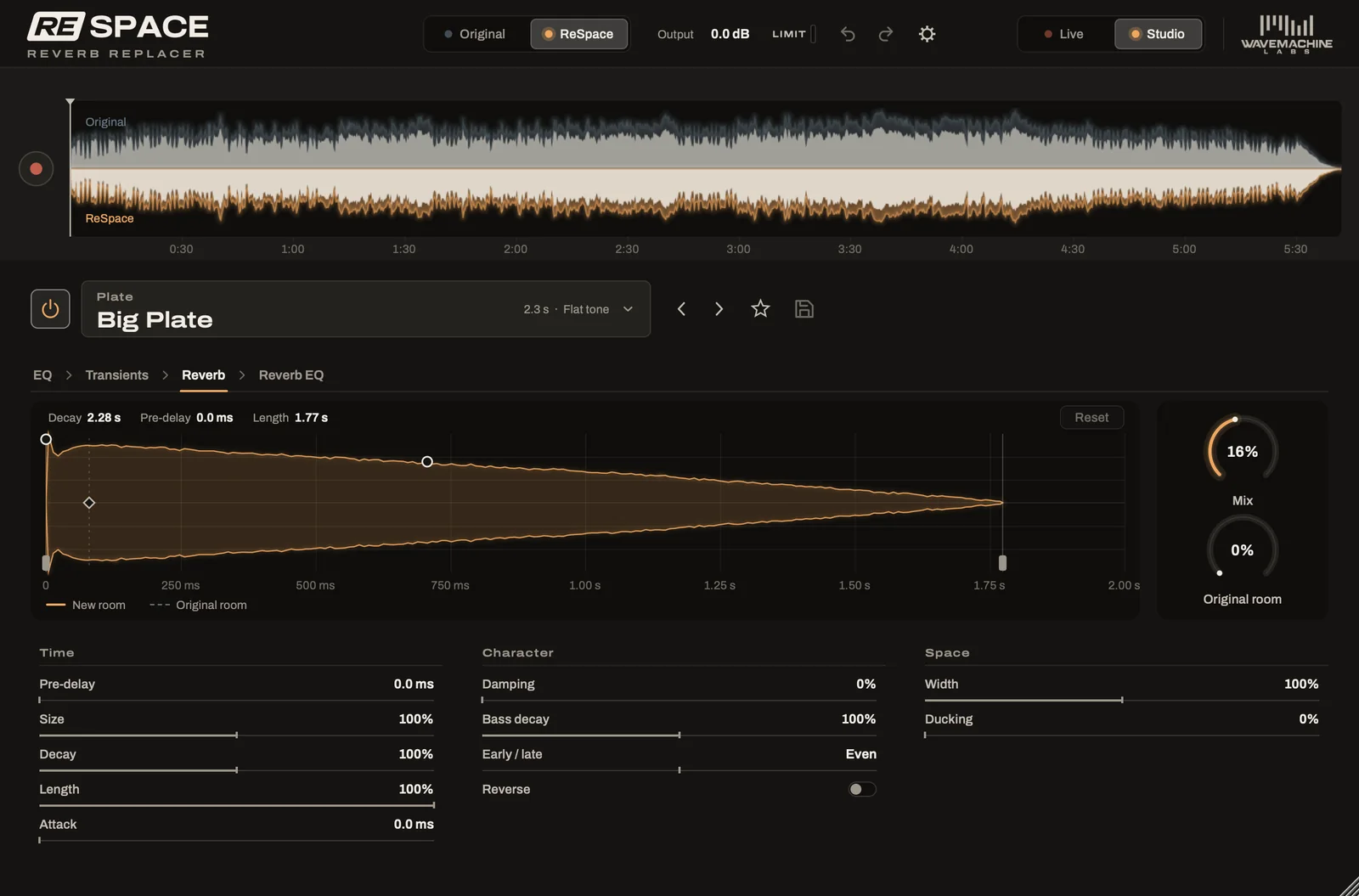
Two modes
Studio for the best result, Live for instant ideas.
A switch at the top right of the window chooses how ReSpace works on the track. You can switch back and forth freely. Anything you recorded in Studio is still there when you return to it.
Studio
The cleanest removal.
Record the part into ReSpace once. It processes the take as soon as you stop, then plays the result in place with practically no delay.
This is the mode for mixing, and for anything you want to sound its best.
Live
Nothing to record.
ReSpace takes the room out as the track plays and puts the new one in. Your DAW makes up for the delay this adds. The track stays right in time with the others.
Every control responds right away. That makes Live a quick way to try ideas.
Studio
The cleanest result, right where you need it.
Studio gives you ReSpace's best reverb removal. Play a section through once, and ReSpace captures it, processes it and puts the result back in place.
You only treat what needs it. Fix a verse here and a chorus there, and the rest of the track plays untouched.
It works with loops too. After one pass, the loop comes back in its new room, and you can shape the room while it repeats.

ARA 2
With ARA 2, there's nothing to record.
In any DAW that supports ARA 2, ReSpace reads the clips on the track by itself. The window shows the whole track with each clip in its place. In place of the record button, you'll find a Process button.
Click Process to work on everything at once, or drag across part of the waveform first to process only that stretch. Clips keep their processing when you move them around.
Using ReSpace with ARA
- Add ReSpace to the track as an ARA plug-in, in any host that supports ARA 2.
- Click Process, or select a stretch first.
- Play the track. The processed clips play in their new rooms.
Fits your workflow
Works the way your DAW works.
Automation
Mix, Original room, the room's controls and the transient shaper all appear in your DAW's automation lists. Output, the compare switch and the limiter are there too.
Bouncing and freezing
Bounce or freeze the track as you would with any effect. The new room rings out past the end of the region. Bounces faster than real time work in both modes, too.
Saved with your project
Your project keeps everything about ReSpace on the track. The room, its settings, the EQs, the mode and your takes all come back when you open it.
Shared across every copy
Room presets, EQ presets and favorites are shared by every copy of ReSpace on your computer, in every DAW and in the app.
Try ReSpace free for 7 days.
Every feature works during the trial, with a short beep every few seconds. Hear what ReSpace does for your own songs before you buy.