
Shaping
Shape the room until it fits the song.
Every room can be reshaped while the song plays, and you hear each change as you make it. Each part also has its own EQ, a transient shaper and an EQ for the reverb.
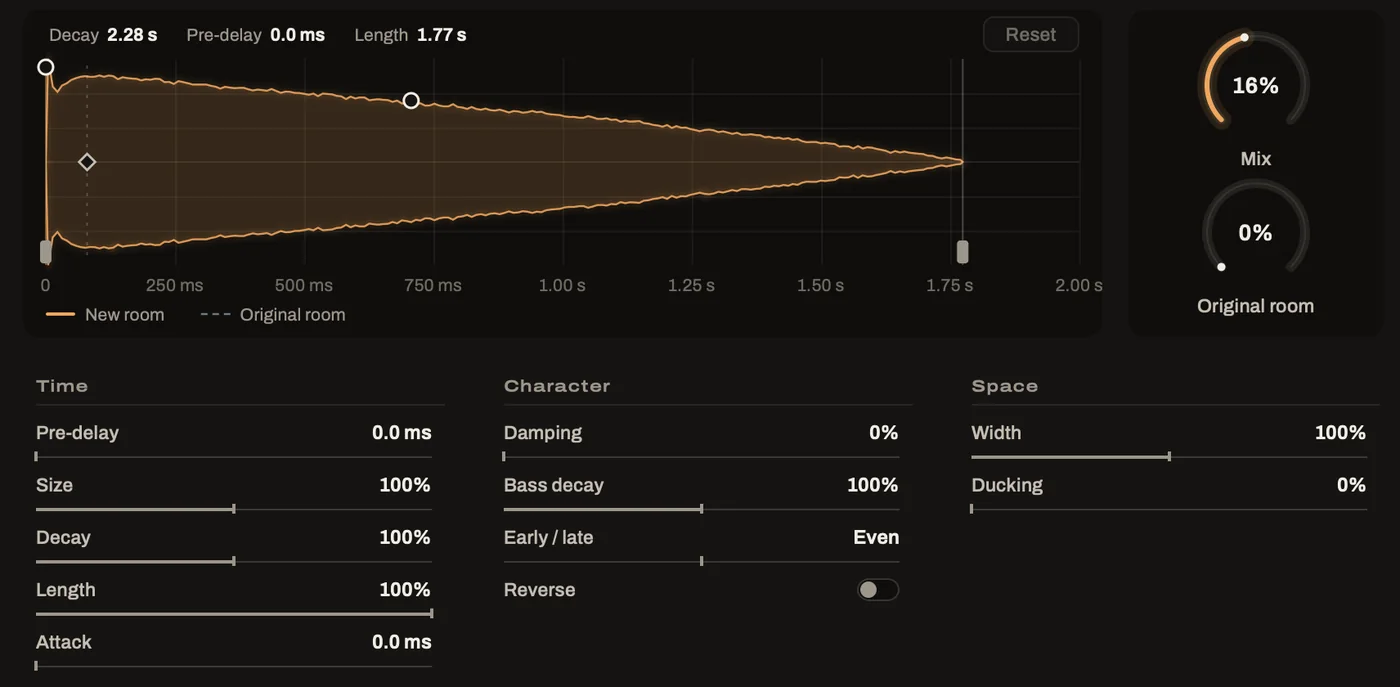
The decay picture
Draw the room's shape.
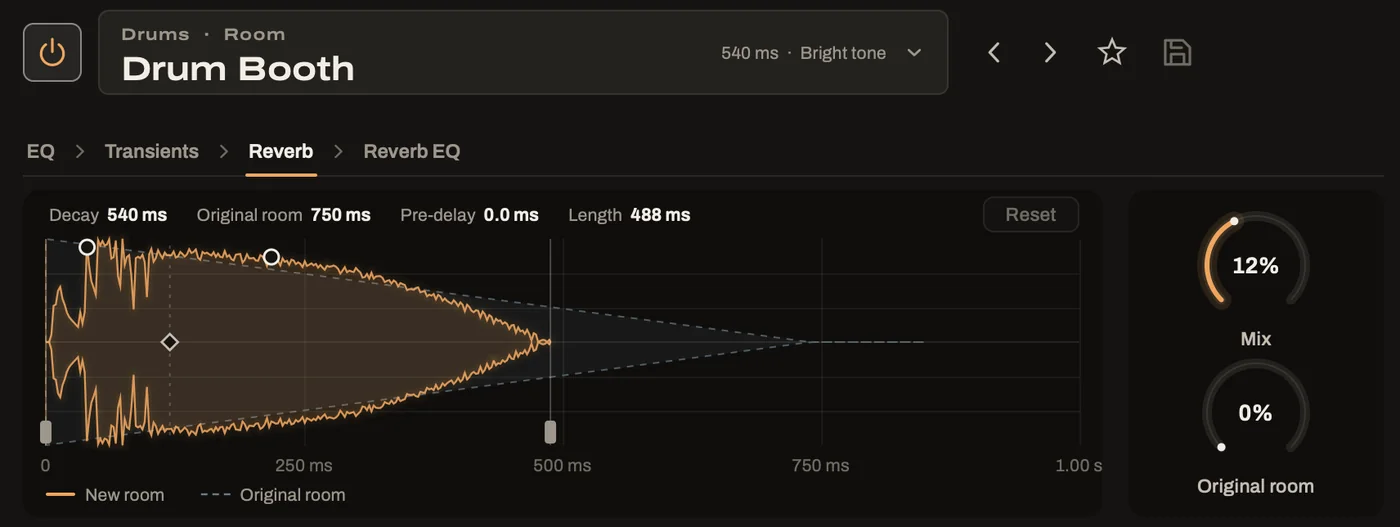
The Reverb page draws the new room's decay over time. A longer room draws a longer shape, and raising the Mix makes it brighter.
Small handles on the picture let you shape the room with the mouse. As you drag one, the matching control moves with it, and you hear the change straight away.
The controls
Every control a room needs.
The room's controls sit under the picture in three groups. Any of them can be reset with a double-click.
Time
- Pre-delay keeps a vocal clear of its reverb.
- Size makes the room larger or smaller.
- Decay lets it ring longer or shorter.
- Length trims the tail with a smooth fade.
- Attack fades the room in behind each note.
Character
- Damping softens the top, like a furnished room.
- Bass decay stops a room from booming.
- Early / late moves between early reflections and the tail.
- Reverse swells the room into each note.
Space
- Width runs from mono to extra wide.
- Ducking holds the room back while the part plays and lets it bloom in the gaps.
Mix and Original room. Two dials beside every page set how much room you hear. Mix brings in the new room while the dry part stays at full level. Original room puts back as much of the old room as you like.
EQ
Two EQs for every part.
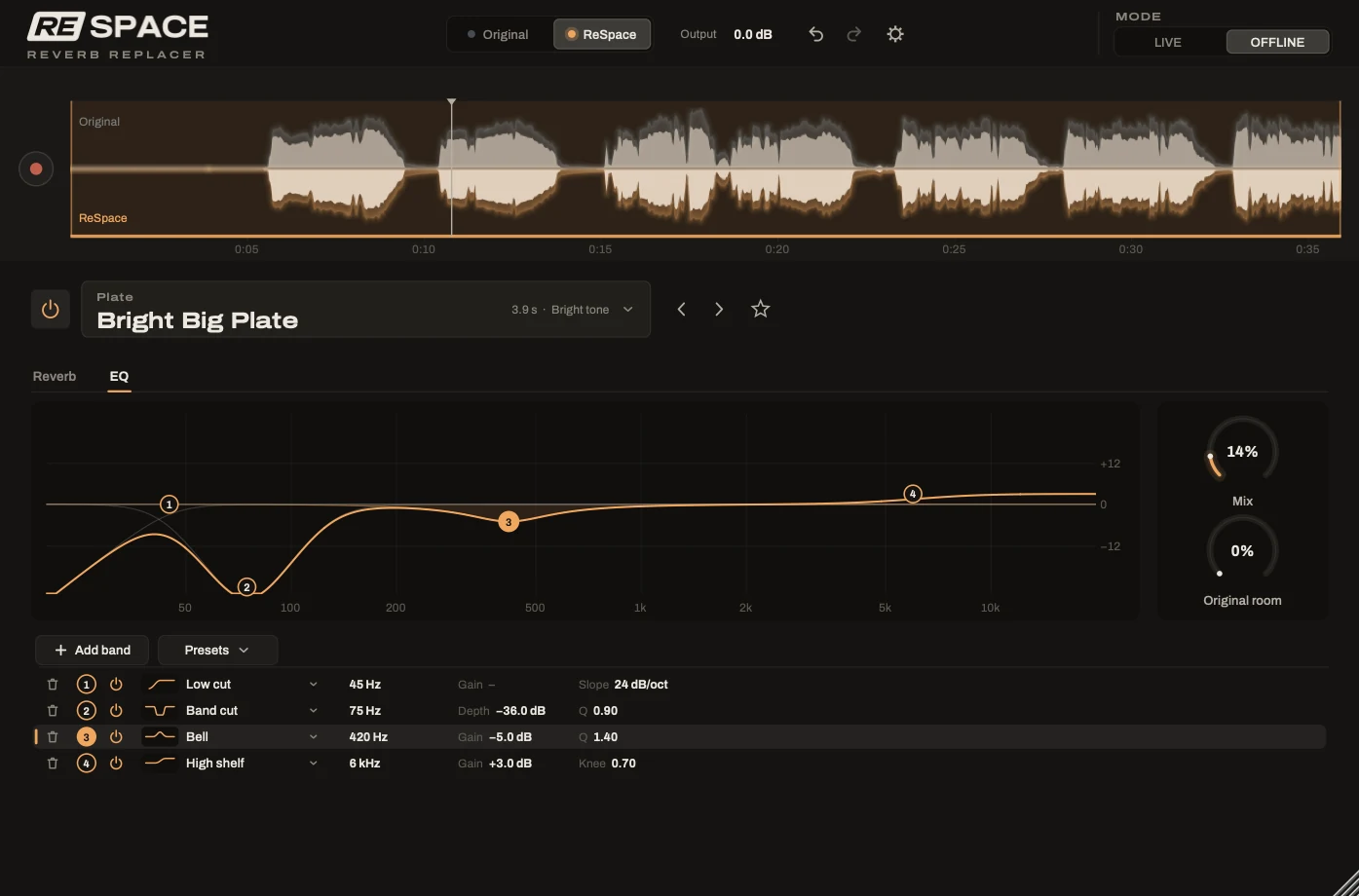
The EQ page shapes the part's own sound before it reaches the room. Reverb EQ works on the new room alone. So you can darken a bright plate or keep the reverb out of the low end without changing the part itself.
Each EQ has a Simple view with four knobs for quick work and an Advanced view with up to eight bands of any kind. Behind the curve, you see the sound's spectrum as the song plays.
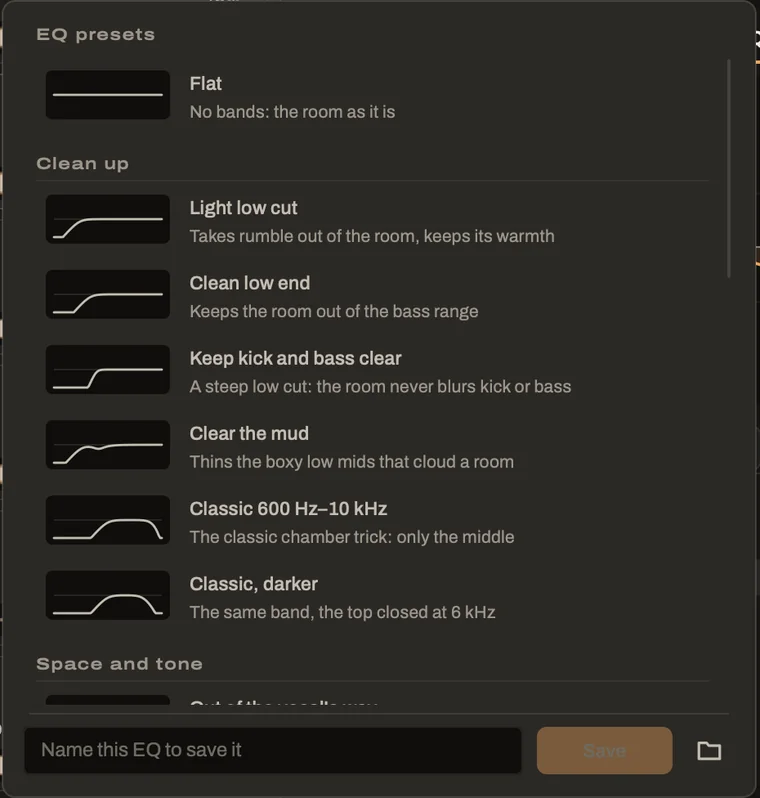
EQ presets
Twenty curves for the usual jobs.
ReSpace includes twenty EQ presets in four groups. Some clean up the low end or clear the mud, while others move a room out of the vocal's way.
You'll also find curves made for each kind of part and a few with real character, from a warm plate to an old telephone line. Your own curves can be saved right beside them.
Transients
A transient shaper before the room.
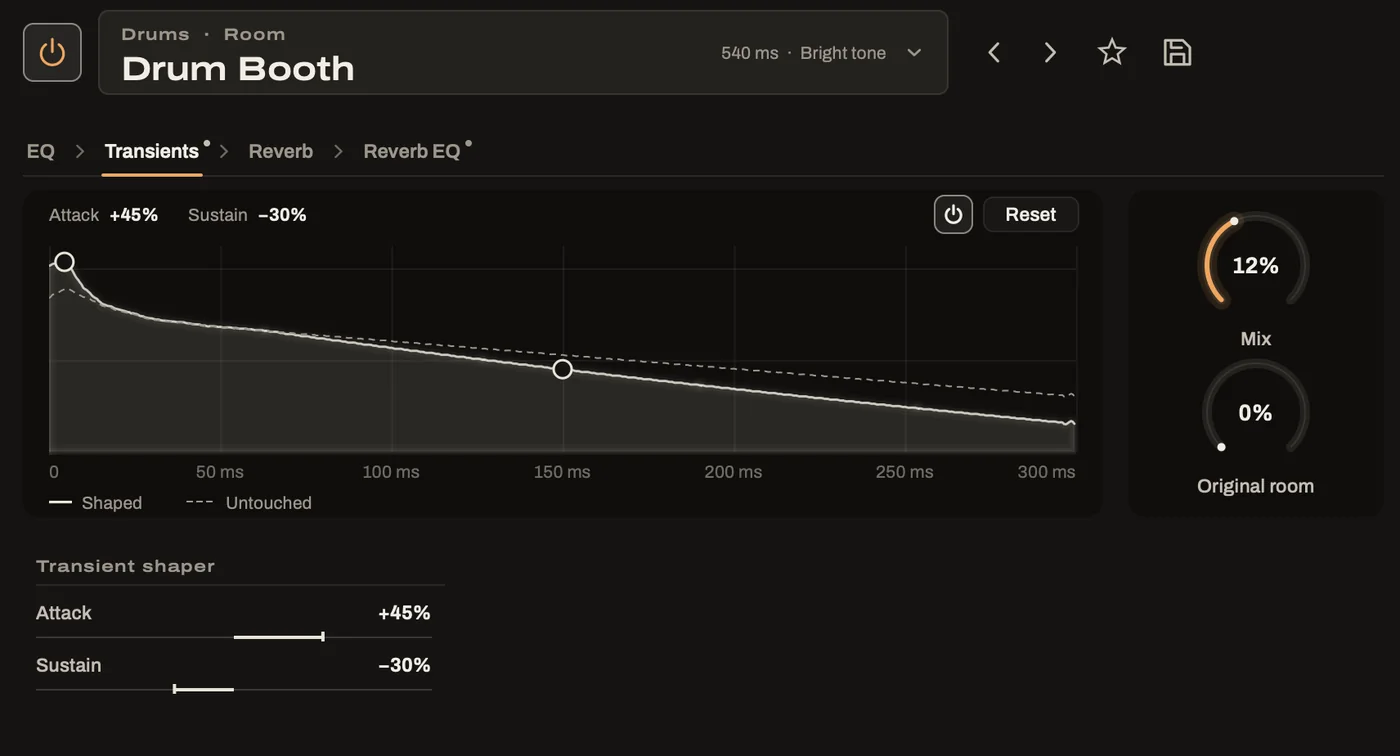
The Transients page makes each note or hit punchier or softer before the sound reaches the room. It also stretches or shortens what rings on after it.
Turning the sustain down tightens a drum kit that still rings after its reverb is gone. The new room then has a clean, dry sound to work with.
Keep it
Save the rooms you love.
Room presets
One click saves the room with everything you did to it, including its settings, both EQs and the transient shaper. The preset is ready for any part in any song, in the app or in your DAW.
Five hundred steps of undo
Undo remembers your last 500 changes, so you can experiment freely. A whole visit to the room browser counts as one step, however many rooms you try.
Try ReSpace free for 7 days.
Every feature works during the trial, with a short beep every few seconds. Hear what ReSpace does for your own songs before you buy.